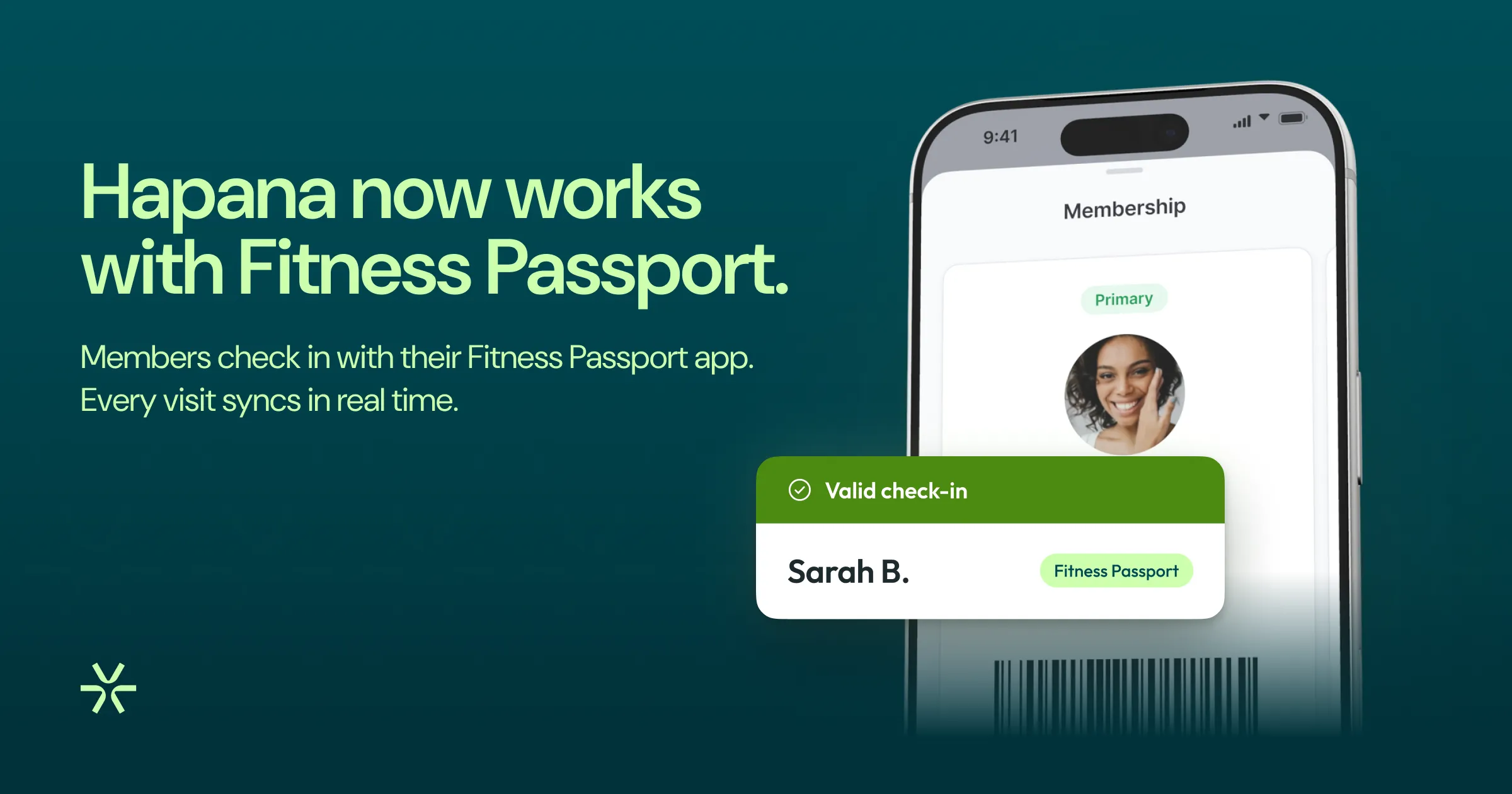
Hapana now works with Fitness Passport


If you’re a Fitness Passport facility, Fitness Passport members are some of the most regular faces in your club. But letting them in has usually meant a workaround: a dummy membership on their account, then a monthly export of their visits to send to Fitness Passport.
Not anymore. Hapana now connects directly to Fitness Passport. Fitness Passport members scan in like any other customer, Hapana checks with Fitness Passport on the spot, and every visit is recorded automatically. It’s included on every Hapana plan for Australian Fitness Passport facilities.
What is Fitness Passport?
Fitness Passport is a workplace fitness benefit. Employers offer it to their staff, and members can use any facility in the Fitness Passport network, which has more than 550,000 members and 2,300 facilities.
Members don’t pay your club directly. Instead, Fitness Passport pays your club for each visit its members make. So the thing that matters most is simple: every visit needs to be recorded.
The trouble with dummy memberships
Without an integration, clubs have to work around Fitness Passport. A common fix is a dummy membership: a $0 membership created just so a Fitness Passport member can get through the door. Then, once a month, someone exports the visits and sends them to Fitness Passport.
It works, but it comes at a cost:
- Your numbers stop telling the truth: dummy memberships inflate your membership count and pull down average yield.
- Admin every month: someone has to export, check and send the visits.
- Visits can slip through: every manual step is a chance to miss a visit, and a visit that isn’t recorded may not be paid.
How the integration works
Connect each location once
Ask Fitness Passport for your location’s site and device tokens. They’re usually issued the same day. A manager saves them in Hapana’s integration settings and tests the connection, and the location is ready.
Link each Fitness Passport member once
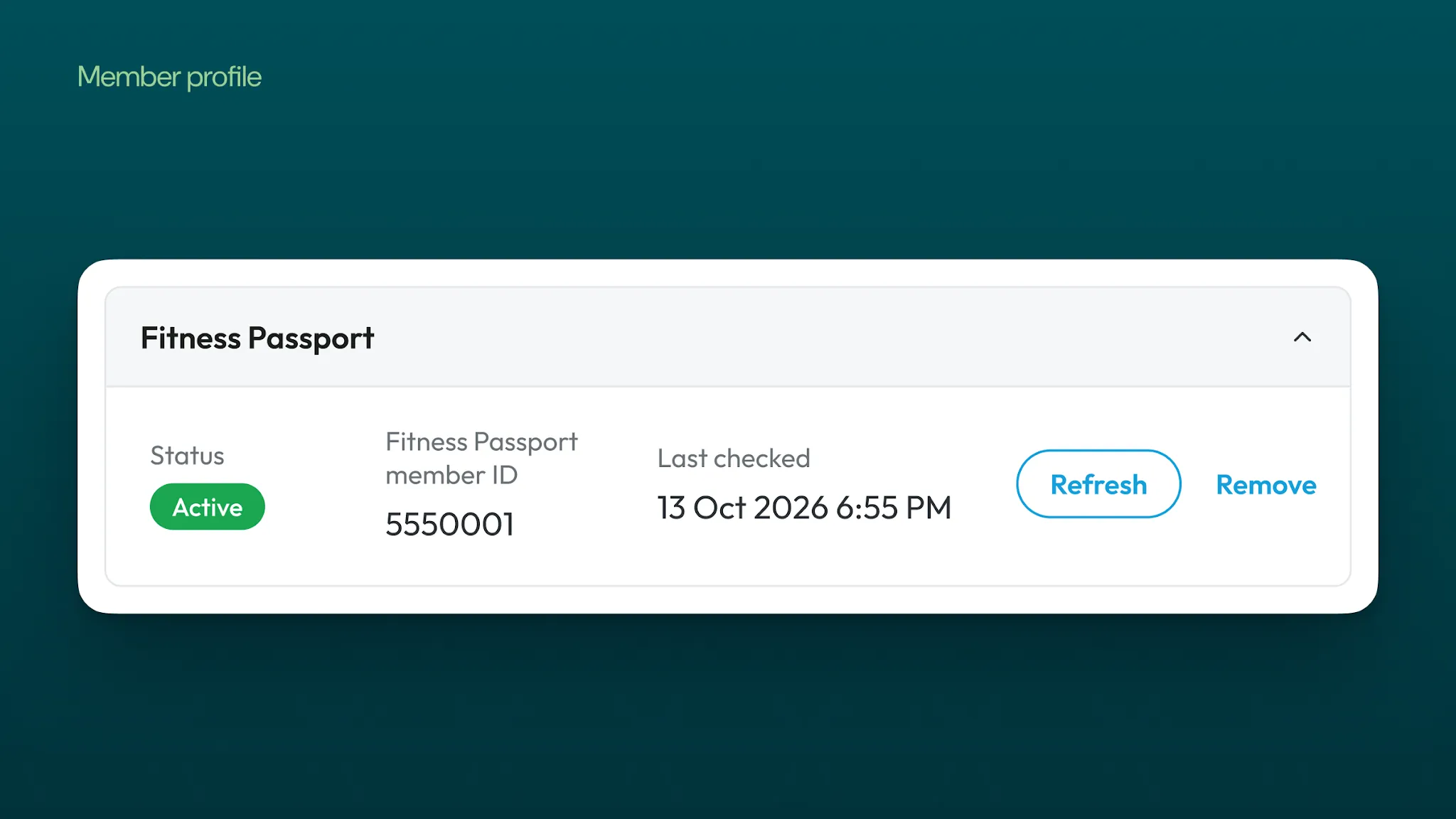
The first time a Fitness Passport member visits, your team saves their Fitness Passport ID on their client file, and Hapana checks it with Fitness Passport straight away. The ID stays with the member even if they change employer, so it’s a one-off step.
They scan in like any other customer
From then on, Fitness Passport members scan the barcode in their Fitness Passport app, or their usual barcode, key tag or QR code, at the front desk, kiosk, barcode check-in screen or member app. Hapana runs your club’s own check-in rules first, then asks Fitness Passport. When Fitness Passport says yes, they’re in.

Every visit is recorded
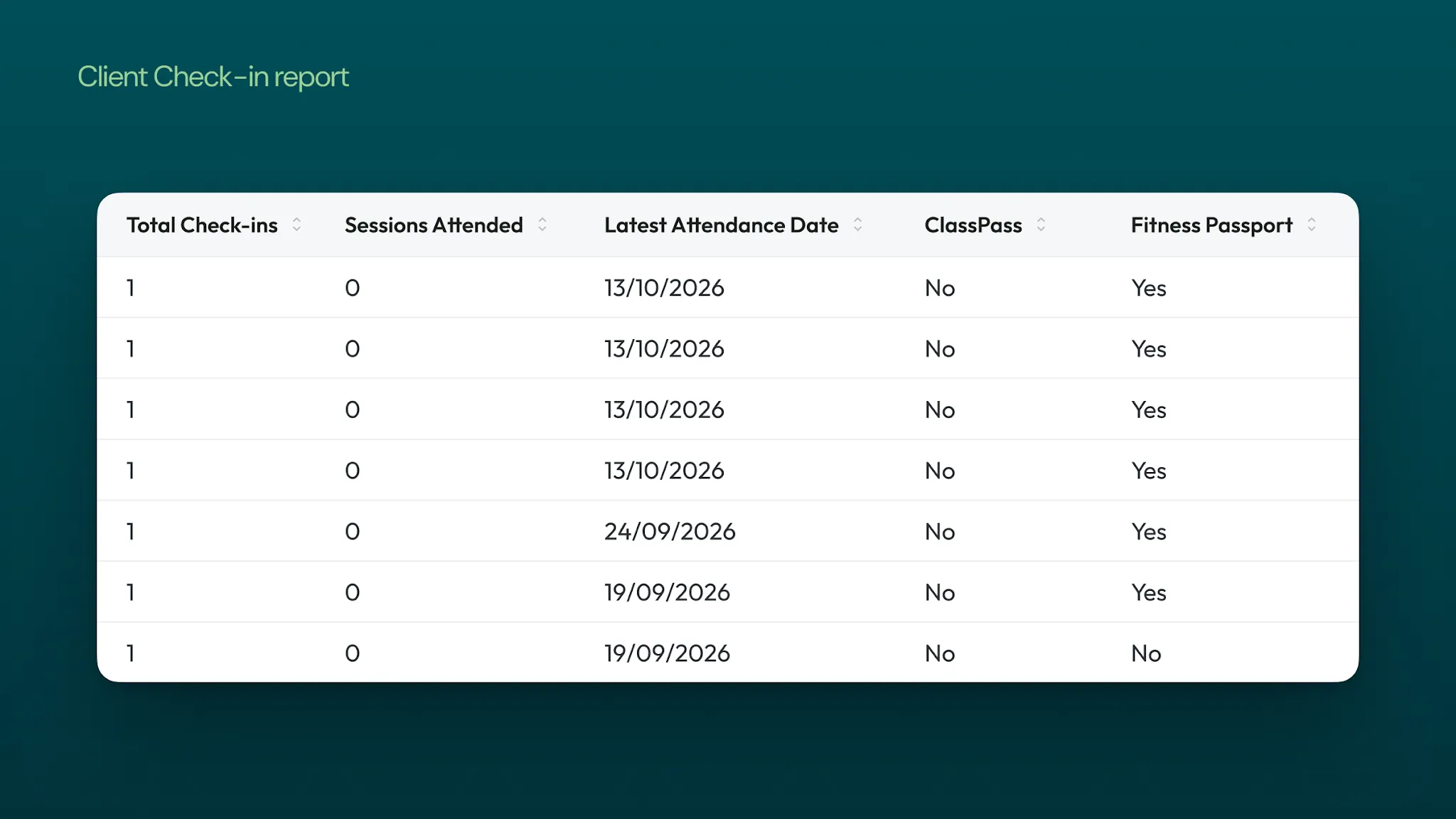
The same check records the visit with Fitness Passport in real time. There’s no export and no spreadsheet. Fitness Passport visits are marked in check-in history and in the Client Check-in report, which has a Fitness Passport filter, so you can match your visits against Fitness Passport’s statement.

What changes for your club
- No dummy memberships: nothing is added to the member’s account, so Fitness Passport members don’t inflate your membership count or drag down yield.
- No monthly export: visits are recorded with Fitness Passport as members check in.
- Your rules still come first: blocked or suspended members, health questionnaires and booked classes are checked as usual. Fitness Passport can’t override them.
- Simple to reconcile: filter the Client Check-in report to show only Fitness Passport visits.
- Nothing new for members: once they’re linked, they scan in as they always do.
What it covers
The integration covers general gym access, which is what Fitness Passport funds. Class bookings work as they always have: a class still needs a membership, pack or payment.
It’s available to Australian Fitness Passport facilities on every Hapana plan, at no extra cost from Hapana. What Fitness Passport pays your club, and when, is set by your own agreement with Fitness Passport.
Frequently asked questions
Does it cost extra?
No. It’s included on every Hapana plan at no extra cost from Hapana.
Can Fitness Passport members book classes?
Fitness Passport covers general gym access, so classes are booked and paid for as usual.
What happens if Fitness Passport is unavailable?
Each location chooses: let members in and record the visit once Fitness Passport is back, or hold entry until Fitness Passport answers.
What does Hapana share with Fitness Passport?
Only the member’s Fitness Passport ID and your location’s tokens. No names, contact details or payment details.
What if a member scans in twice?
Fitness Passport counts scans within two hours as one visit.
How do we move existing Fitness Passport members across?
Save each member’s Fitness Passport ID on their client file, ideally at their next visit, then retire their dummy memberships.
Get started
Already on Hapana? Ask your account manager to switch it on, and they’ll help you connect each location.
New to Hapana? Book a demo to see how Hapana handles Fitness Passport alongside everything else your club runs on.
We’re fitness veterans and visionaries. Since 2014, we’ve partnered with gyms, fitness studios, and wellness brands worldwide to grow and scale. And we’re all about sharing our FitTech expertise and real-world experience to help inspire and shape the industry.


Get started with Hapana
- Manage members with ease
- Migrate your data hassle-free
- Priority support from our team